
Android Auto Integration in Detroit, MI
Google Maps, Messages, and Music Without the Phone Juggle
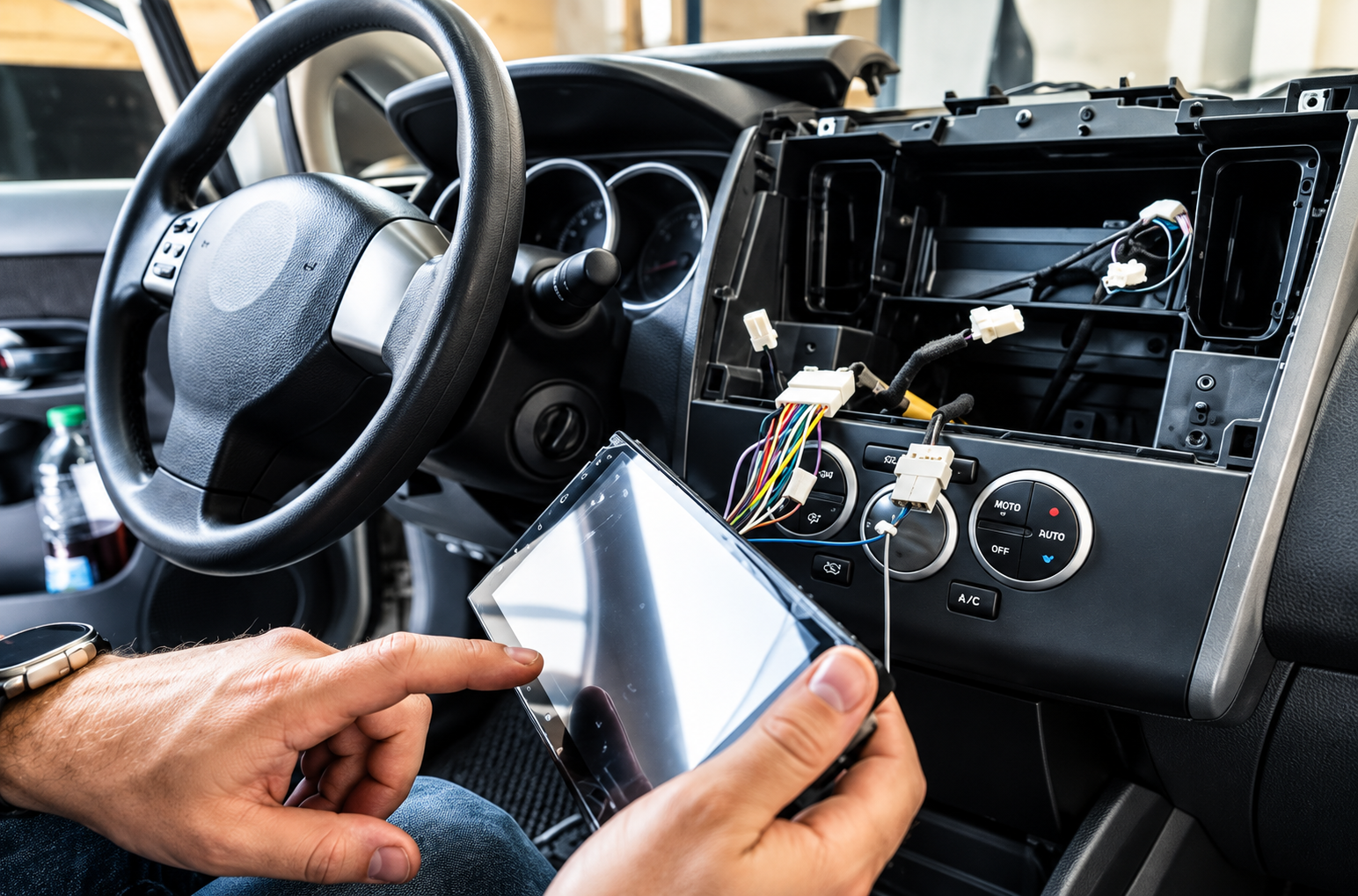
Wireless Android Auto generally requires a phone running Android 11 or later with 5 GHz Wi-Fi, and many factory radios support neither wireless links nor the app at all. Jam Sounds handles Android Auto integration for drivers in Detroit, MI, Hamtramck, Redford, and the metro area, installing compatible receivers, wireless setups, and dual-platform head units. The result puts navigation, streaming apps, and voice controls on a dash display sized for quick glances instead of a phone balanced in a cupholder.
Every recommendation starts with your phone, your vehicle's wiring, and the factory features you want to keep. Our installers fit dash kits, steering wheel interfaces, and microphones, then pair your device and test calls, maps, and audio before handing back the keys. For 30+ years, we have adapted each new generation of in-car technology to the vehicles people actually drive. Your phone model and vehicle details on our quote form are all we need to suggest a compatible receiver.
Our Android Auto Integration Services
Android Auto Receiver Installation
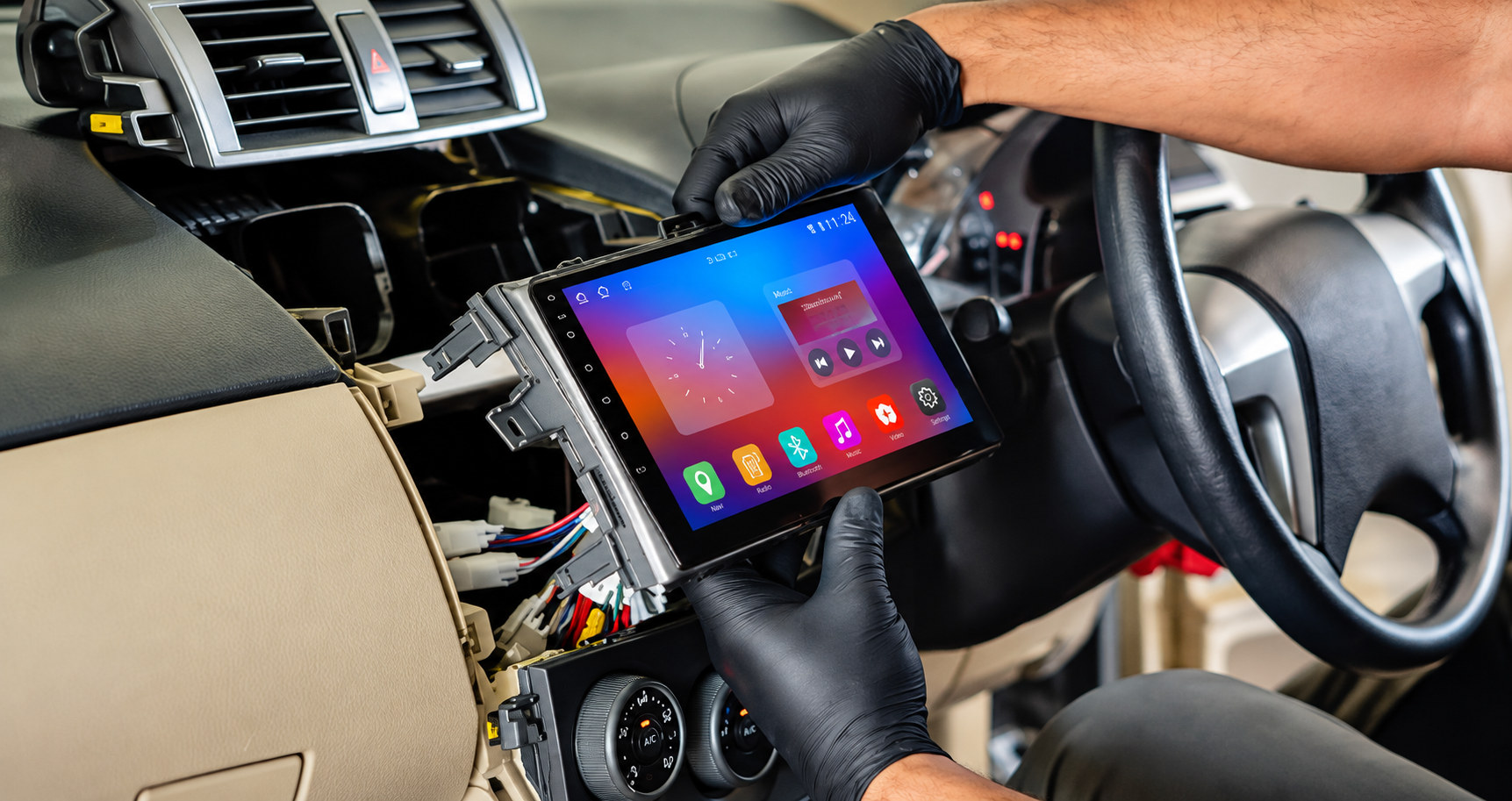
Modern touchscreen receivers give Android Auto a proper home on your dash. Each unit is installed with a vehicle-specific harness and trim kit, keeping speaker outputs, illumination, and power behavior correct so the radio wakes and sleeps exactly like a factory unit.
Wireless Android Auto Setup
Getting in and driving off with your phone still in your pocket makes short trips smoother. Receivers with built-in wireless support are configured and paired with your device, and we confirm automatic reconnection works each time you start the engine.
Dual-Platform Head Units
Plenty of households own both Android and iPhone devices. Units that handle Android Auto as well as Apple CarPlay let each driver connect a personal phone, with every device remembered, so switching between family members takes seconds instead of a menu search.
Floating and Large-Format Screens
Bigger displays make split-screen views of maps and music far easier to read. Floating screens mount in front of the dash on adjustable arms, giving vehicles with tight radio openings access to nine-inch and larger displays without cutting trim.
Fast-Charging USB Port Upgrades
Navigation and streaming can drain a battery quickly, especially on wireless connections. High-output USB ports and charging pads are added in convenient spots, keeping your phone powered on long drives and giving passengers a place to charge as well.
Factory Radio Retrofit Kits
Some vehicles route climate controls, chimes, or settings menus through the original radio. Retrofit kits preserve those functions after the swap, relocating controls or translating data, so upgrading to Android Auto never costs you heat adjustments or important warning sounds.
Why Choose Us for Android Auto Integration
Phone Compatibility Reviewed Up Front
An older handset or missing 5 GHz radio can block wireless features entirely. Your phone model and software version are reviewed before purchase, so you choose between wired and wireless options knowing exactly what will work from the first connection.
Harnesses Instead of Cut Wires
Slicing factory wiring creates future headaches and complicates resale. Plug-in harnesses and adapters connect each receiver to the vehicle's original connectors, keeping the factory loom intact and making a return to stock straightforward if you ever trade the vehicle.
Glare-Aware Screen Placement
Afternoon sun across a windshield can wash out even bright displays. Mounting angle, screen finish, and brightness settings are chosen with real driving light in mind, so maps stay readable during sunset commutes and dim gracefully after dark.
Every Function Tested Live
Bench tests miss problems that appear on the road. Each install gets checked for navigation audio ducking, call clarity, steering wheel commands, and reconnection after the engine restarts, so small glitches are found in the bay rather than on your commute.
Straight Answers on Limitations
Not every vehicle supports every feature, and pretending otherwise leads to disappointment. Expect a plain explanation of what your platform can and cannot do, including any tradeoffs with factory amplifiers, cameras, or data displays, before work begins, so you decide with confidence.
Walkthrough Tailored to Your Phone
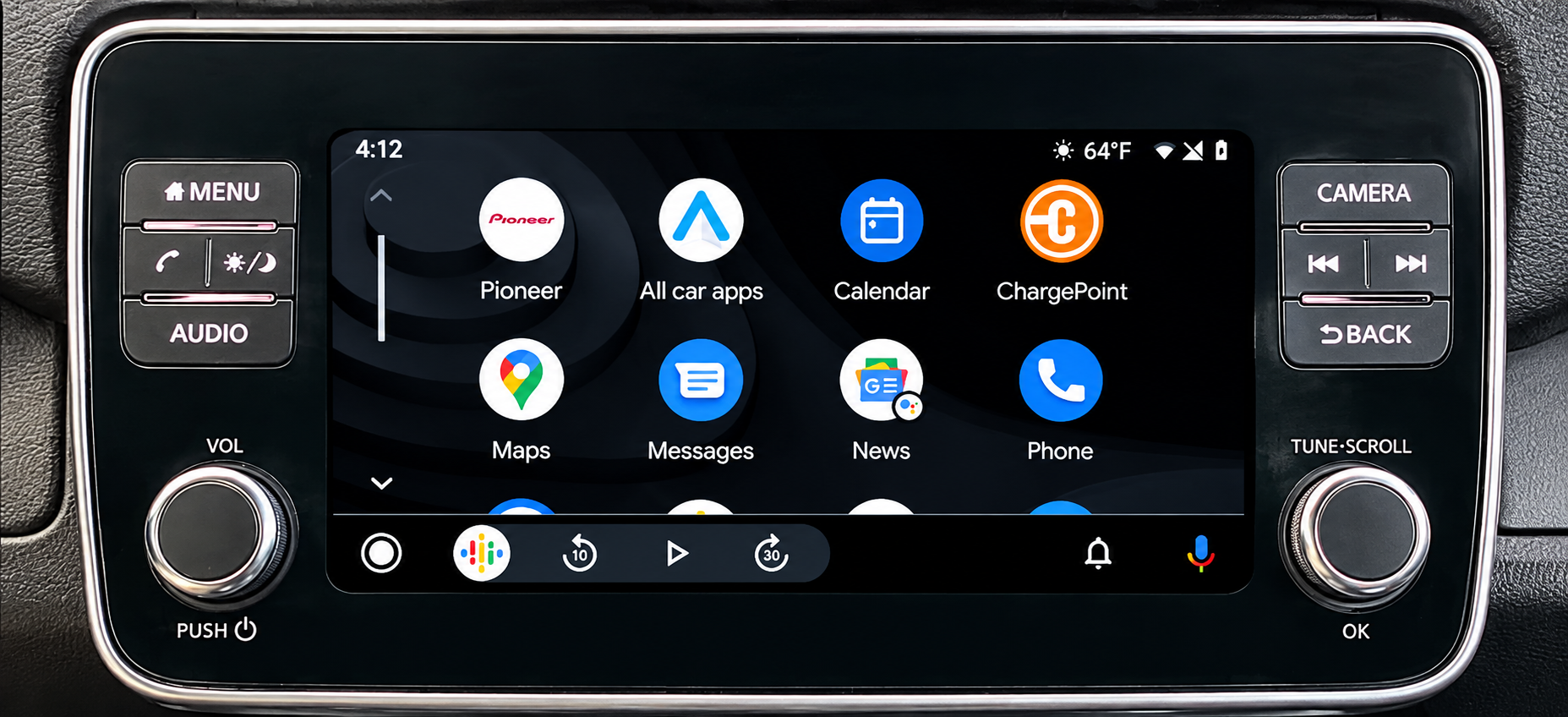
Android settings differ between manufacturers, and battery optimization menus can quietly break connections. We adjust the settings on your specific phone, show you the Android Auto launcher layout, and explain voice commands that work best with your apps.
Keep Your Eyes Up and Your Android Within Reach
A phone sliding across the passenger seat is a hazard nobody needs during a busy drive. Jam Sounds builds Android Auto into your dashboard so directions, calls, and favorite apps live on a screen made for the job, giving drivers around Detroit, MI a calmer way to stay connected. Think about how you use your phone in the car, which apps matter most, and whether wireless convenience is worth adding. Whenever the timing suits you, request an estimate through our contact page, then let us pair a receiver with your phone, your vehicle, and the features you rely on every day.
Frequently Asked Questions
What Android version do I need for Android Auto?
Most recent Android phones support wired Android Auto, while wireless connections generally require Android 11 or later and 5 GHz Wi-Fi on the handset. Google periodically raises minimum requirements, so older phones may eventually lose support even when the car still works.
Why does Android Auto keep disconnecting?
Worn or low-quality USB cables cause most dropouts, followed by battery optimization settings that shut the app down in the background. Using a short data-rated cable and exempting Android Auto from power-saving modes usually stabilizes the connection in most vehicles.
Can one head unit run both Android Auto and Apple CarPlay?
Yes, most current receivers support both platforms and remember several phones. Jam Sounds installs dual-platform units for families across Detroit, MI where one driver carries an iPhone and another uses Android, so nobody gets left with plain Bluetooth.
Does Android Auto use my phone's mobile data?
Yes, apps running through Android Auto use your phone's data plan for streaming, traffic updates, and voice commands. Navigation uses relatively little, while music and podcast streaming use more, so downloading playlists ahead of time saves data on long trips.
Will wireless Android Auto drain my phone battery faster?
Wireless connections do use more power than wired ones, since the phone runs Wi-Fi, Bluetooth, and navigation together without charging. Adding a charging pad or a fast-charging USB port keeps the battery level steady, even during longer drives with streaming.
Can I watch videos through Android Auto?
No, Android Auto blocks video playback while driving to reduce distraction, and only approved apps for navigation, messaging, audio, and calls appear on screen. That restriction is built into the platform itself and cannot be safely bypassed by an aftermarket receiver.
Is a bigger screen better for Android Auto?
Usually, yes, since larger displays show maps, media, and notifications side by side in split-screen view. Jam Sounds often recommends floating screens to drivers around Detroit, MI whose dashboards only fit a smaller radio, because readability improves noticeably at a glance.
Can I use Android Auto if my car has no screen?
Not anymore, since Google retired the version of Android Auto that ran on the phone's own display. A receiver or factory system with a compatible screen is now needed, which also gives you larger controls that are much safer to use.